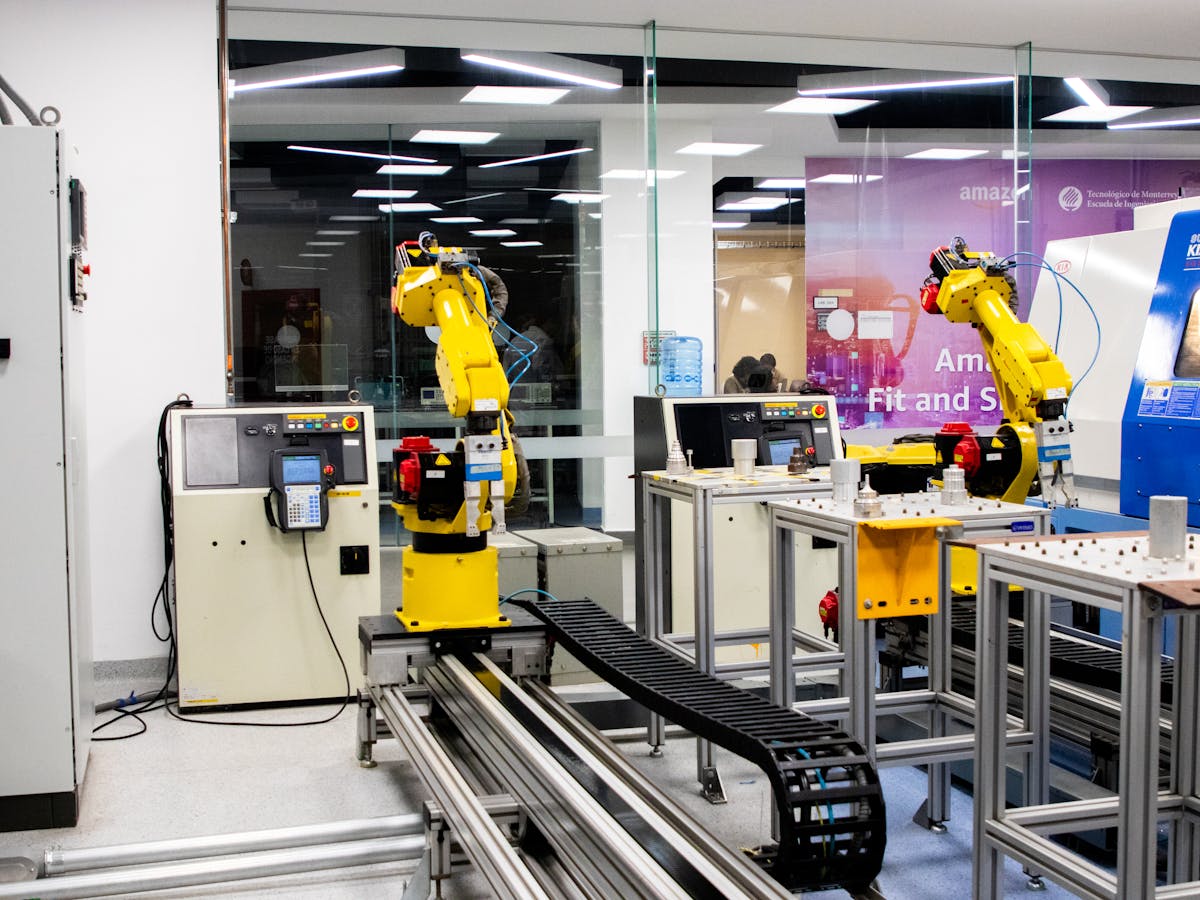
Choosing a software development partner in Nairobi requires looking beyond just technical skills. You need a team that understands the Kenyan business environment — M-Pesa integration, local compliance requirements, and the specific challenges that East African businesses face. Whether you're a Nairobi-based SME or a company operating across East Africa, your development partner should demonstrate experience with local payment systems, understand regulatory considerations, and be able to support your system post-launch without requiring you to manage remote teams in different time zones.
Direct Answer
Business process automation (BPA) uses technology to execute recurring business tasks with minimal human intervention. The global BPA market reached $12.6 billion in 2024 and is projected to hit $19.6 billion by 2026 (Grand View Research). For most businesses, automation delivers 30–50% time savings on automated tasks with a typical payback period of 6–12 months.
What Can Be Automated?
Not everything should be. The best candidates for automation share these traits:
| Characteristic | Good to Automate | Don't Automate |
|---|---|---|
| Repetition | High-frequency, identical steps | Varied, creative tasks |
| Rules-based | Clear if/then logic | Judgment-dependent |
| Data-driven | Input → process → output | Relationship-dependent |
| Volume | High volume of transactions | Low volume, high complexity |
| Error-prone | Manual handling causes mistakes | Precision matters but volume is low |
Top 10 Processes Businesses Automate First
Building something similar?
See how we approach business software development.
Based on 2025 automation adoption data from McKinsey and Forrester:
- 01Invoice processing — 75% of businesses automate this first
- 02Data entry and migration — Eliminates 90%+ of manual input errors
- 03Email notifications and follow-ups — Customer communication triggers
- 04Report generation — Scheduled, formatted, distributed automatically
- 05Approval workflows — Purchase orders, leave requests, document sign-offs
- 06Customer onboarding — Triggered sequences from signup to activation
- 07Inventory updates — Synced across sales, warehouse, and accounting
- 08Lead scoring and routing — Sales qualification and assignment
- 09Compliance checks — Automated verification against regulatory requirements
- 10Scheduling and booking — Appointments, resources, facilities
How to Calculate Automation ROI
Use this formula for each process you're considering:
Annual Savings = (Hours saved per week × 52 weeks × Hourly labor cost)
                    + (Error reduction × Cost per error × Annual volume)

ROI = ((Annual Savings - Automation Cost) / Automation Cost) × 100
Real example: A business spending 20 hours/week on manual invoice processing at $35/hour:
Hours saved: 20 × 0.80 (80% automation) = 16 hours/week
Annual time savings: 16 × 52 × $35 = $29,120
Error reduction: ~$3,000/year (fewer disputes, rework)
Total annual savings: $32,120
Automation cost (one-time): $15,000
Year 1 ROI: (($32,120 - $15,000) / $15,000) × 100 = 114%
Payback period: ~5.6 months
The Automation Implementation Process
- 01Audit — Document current processes, measure time and error rates
- 02Prioritize — Rank by impact (time saved × error reduction × frequency)
- 03Design — Map the automated workflow, define triggers and exceptions
- 04Build — Implement using appropriate tools or custom software
- 05Test — Run in parallel with manual process to validate accuracy
- 06Deploy — Switch to automated process, monitor closely
- 07Optimize — Refine based on real-world performance data
Custom Automation vs. Off-the-Shelf Tools
| Factor | Custom Automation | Off-the-Shelf (Zapier, Make) |
|---|---|---|
| Setup cost | $5K–$50K | $20–$500/month |
| Flexibility | Unlimited | Constrained by platform |
| Complex logic | Full control | Limited |
| Integration depth | Deep, reliable | Surface-level |
| Maintenance | You control it | Platform-dependent |
| Best for | Core business processes | Simple point-to-point connections |
TIP
Common Automation Mistakes
- Automating a broken process — Fix the process first, then automate it
- Trying to automate everything at once — Start with the highest-impact process
- Ignoring exception handling — Real-world data isn't always clean
- No measurement baseline — You can't prove ROI if you didn't measure the "before"
- Forgetting maintenance — Automated systems need monitoring and updates
Key Takeaways
- BPA delivers 30–50% time savings with 6–12 month payback periods
- Automate repetitive, rules-based, high-volume tasks first
- Calculate ROI before automating — use the formula above
- Start simple (Zapier/Make), move to custom when complexity demands it
- Always fix the process before automating it